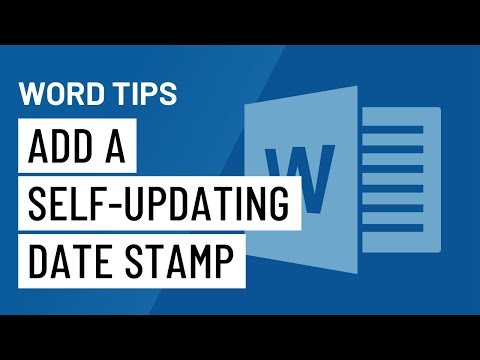
Unlock the full potential of Microsoft Word with our comprehensive course featuring 10 essential tips and tricks. Learn how to efficiently copy, paste, and cut using keyboard shortcuts, zoom in and out to reduce eye strain, and delete entire words effortlessly. Discover how to utilize Smart Lookup for online searches, remove unwanted formatting, and communicate your needs directly to the program. Master the art of selecting text in chunks and quickly inserting links into your documents. This course also covers 10 incredibly useful features of Microsoft Word, including converting lists to tables, creating custom tabs, and using Quick Parts. Whether for business, education, or personal projects, enhance your productivity and skills with Microsoft Word.
Course Content
المحتوى
-
00:53
-
00:53
-
00:53
-
00:53
-
00:53
-
00:53
-
00:53
-
00:53
-
00:53
-
00:53
-
00:53
-
00:53
-
00:53
-
00:53
-
Final Exam – Mastering Microsoft Word: Essential Tips and Tricks
A course by

Student Ratings & Reviews

 Lessons: